- Connect to the Bolero system using wifi or an ethernet cable.
- Launch a web browser and type
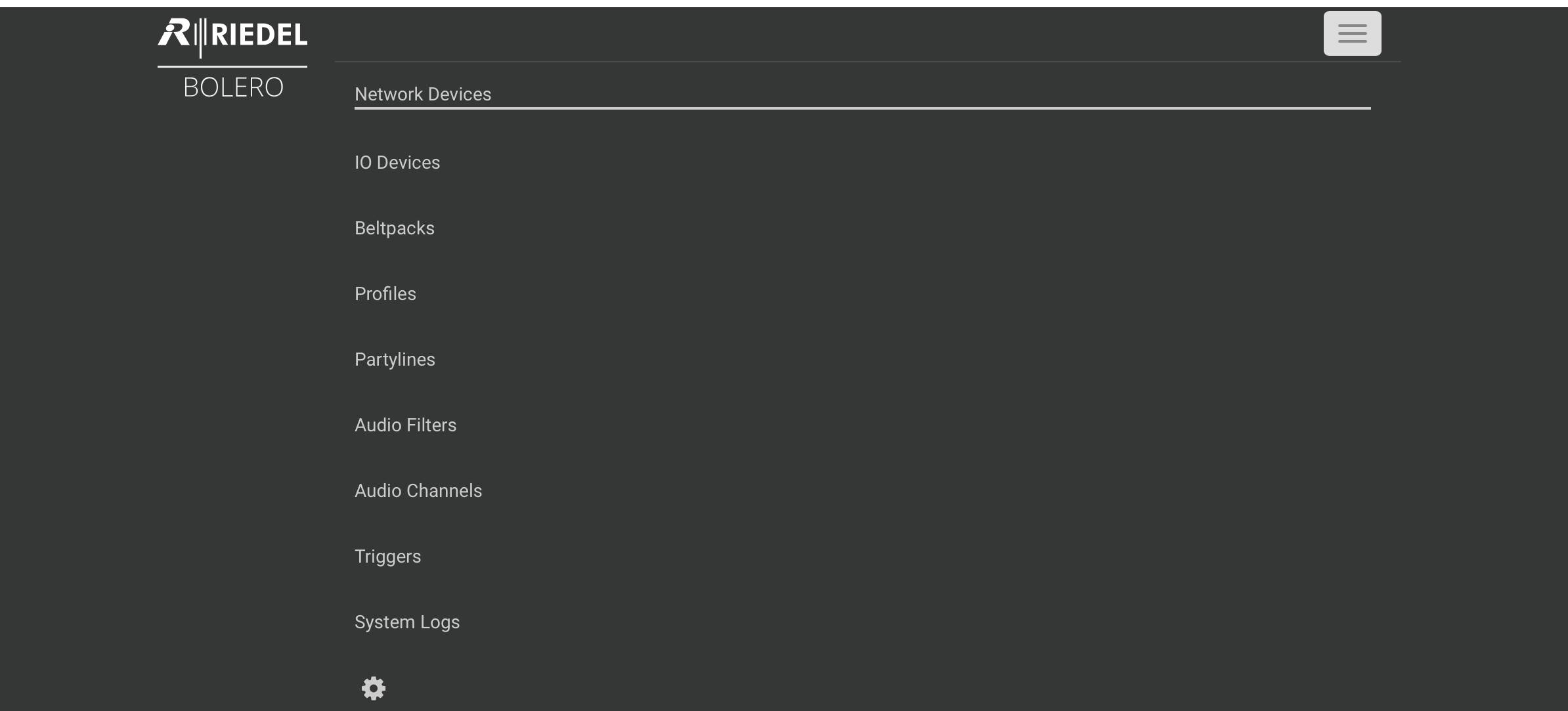
169.254.5.166in the address bar. - Using the “hamburger” menu, upper right, or the top row of tabs (depending on your browser window width) navigate to the “Network Devices” page.
Tip
You may need to click the Menu icon again, closing the menu so that you can see the whole page underneath.
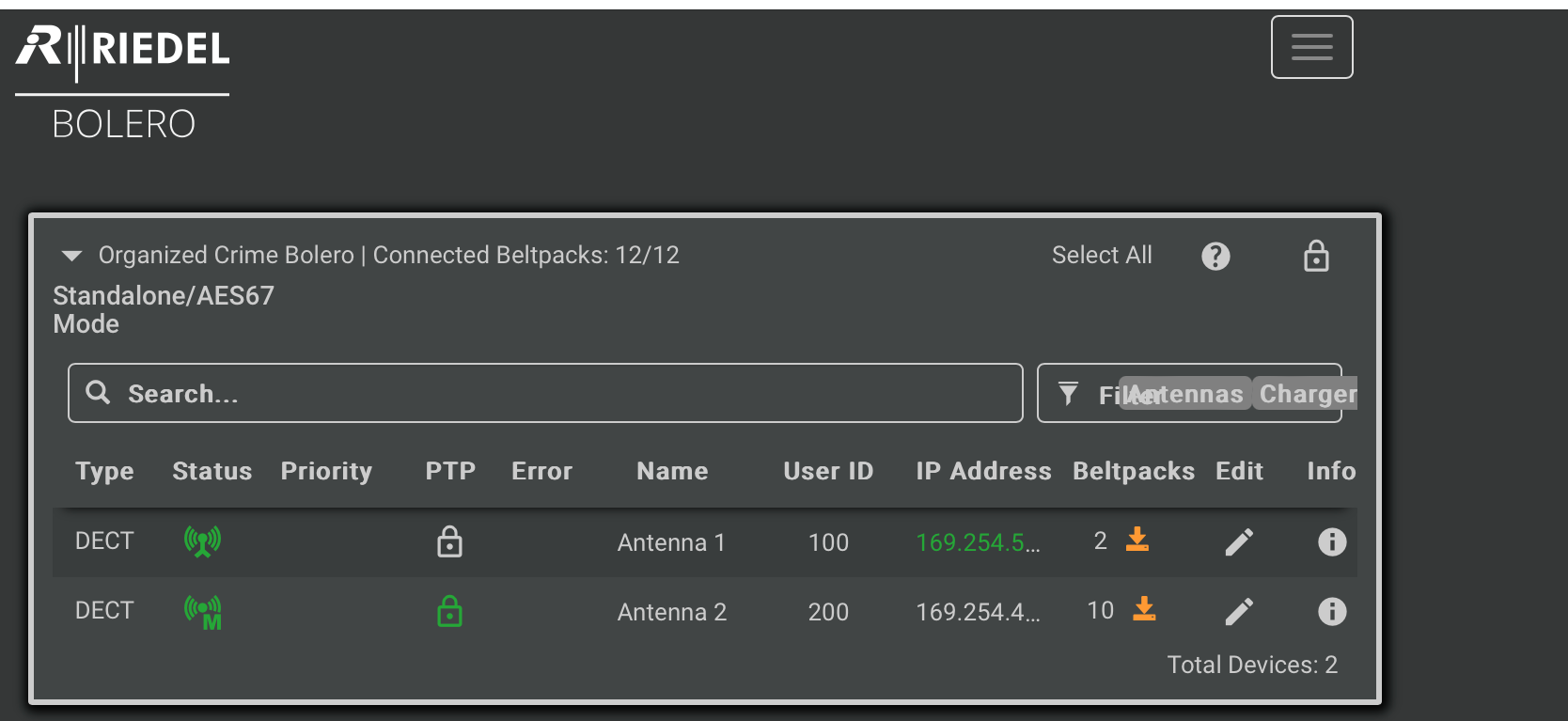
- Click the lock icon on the upper right.
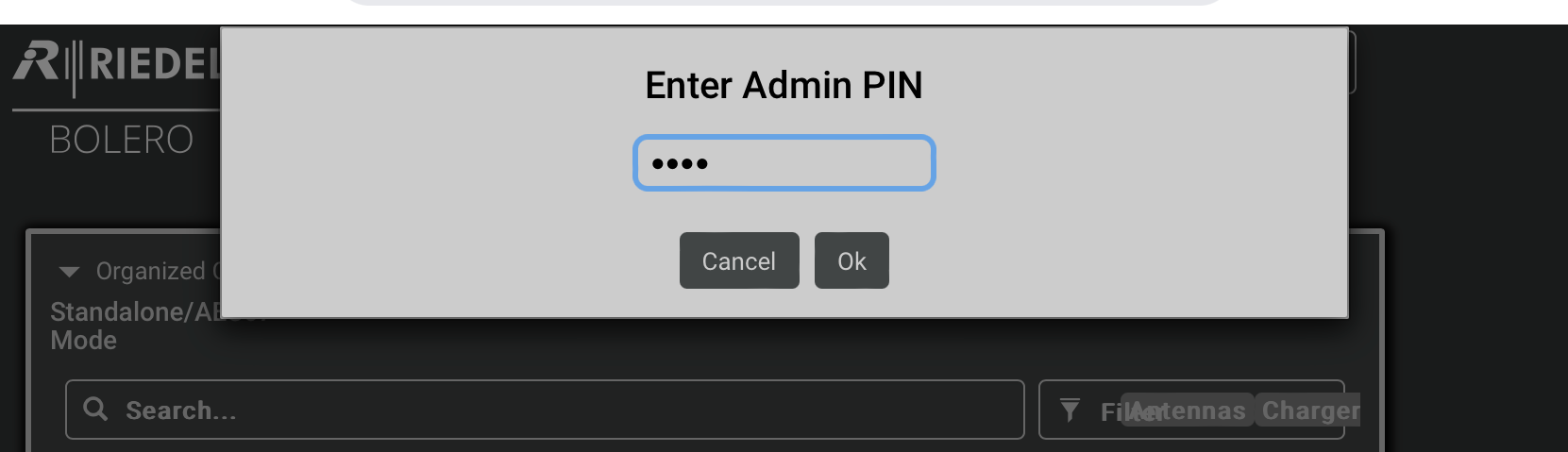
- You will be asked for an Admin PIN. Jim will give this to you.
- Click the PLUS SIGN button.
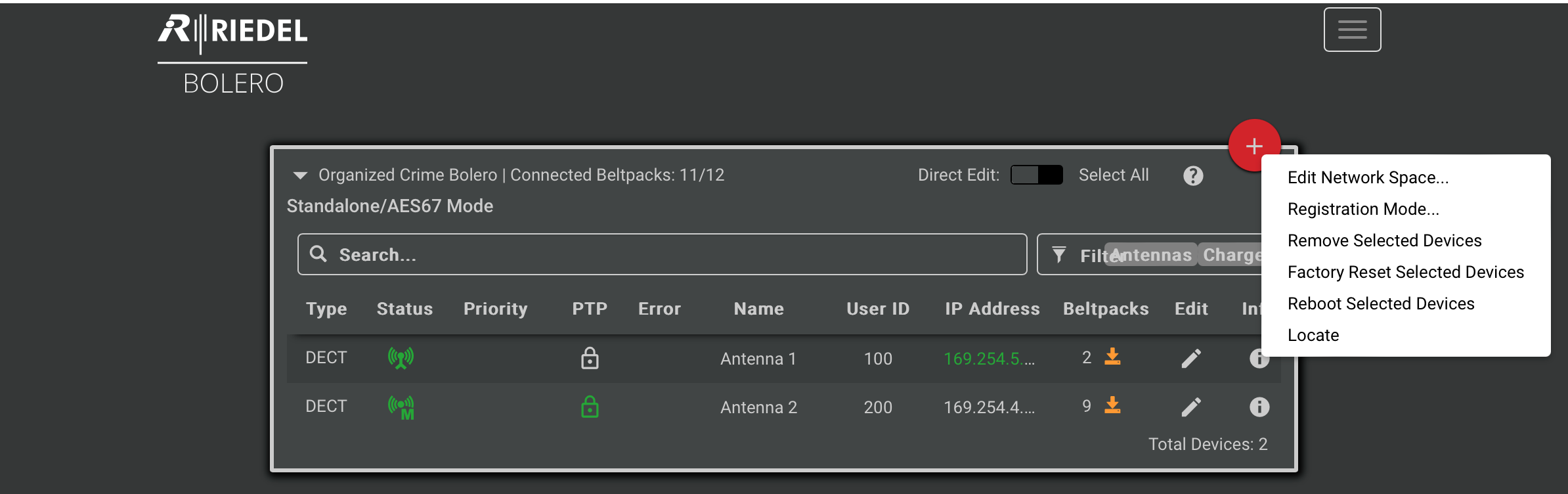
9. Select Registration Mode…
10. Enable NFC registration. Do not require a PIN. Do not set a time out.